Dunkin’ Gift Card Balance: How to Check, Reload & Manage It (2026)
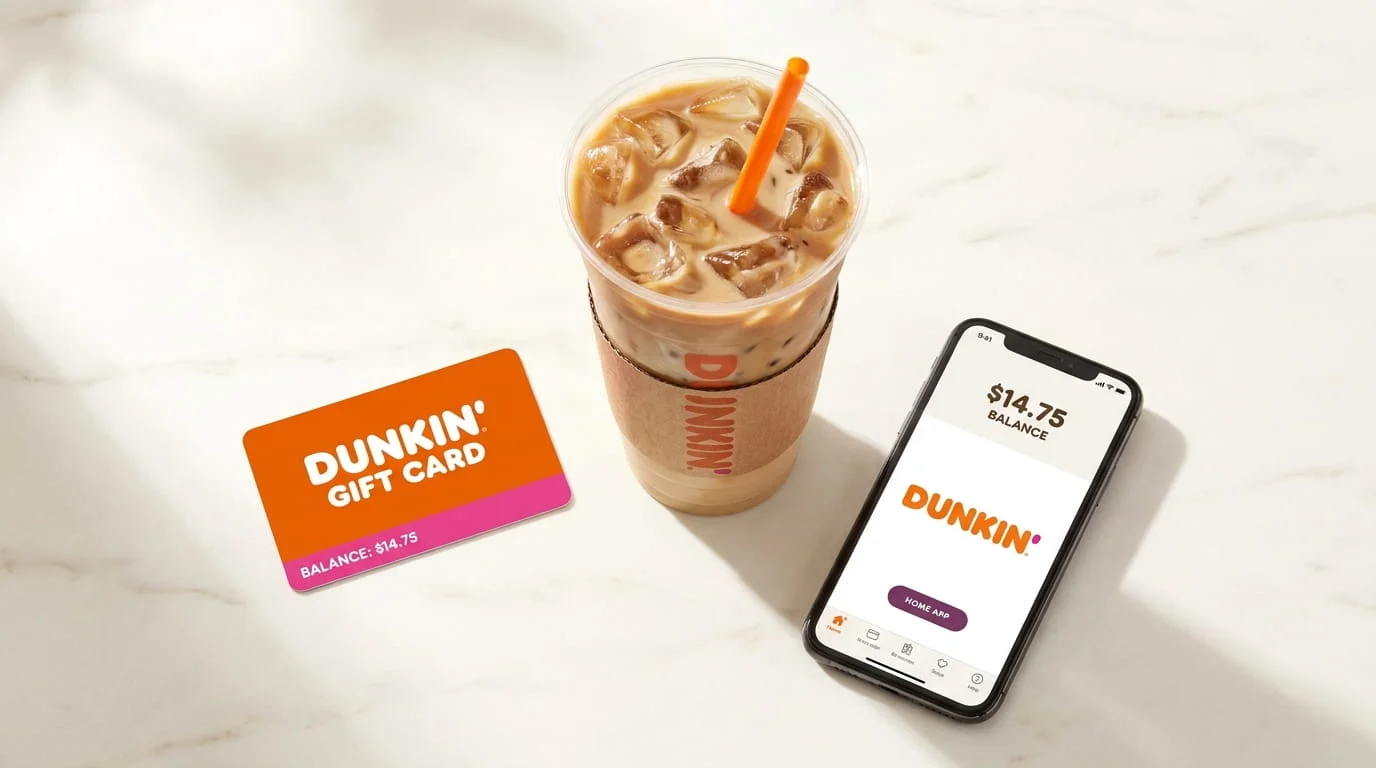
You’ve got a Dunkin’ card in your wallet — or maybe three from different birthdays — and you want to know exactly how much is on it before you hit the drive-through. Here’s the full picture: how to check your Dunkin’ gift card balance in seconds, how to reload it, how to merge multiple cards, and how to make every dollar work harder through Dunkin’ Rewards. You can also check Whataburger promo codes.
How to Check Your Dunkin’ Gift Card Balance
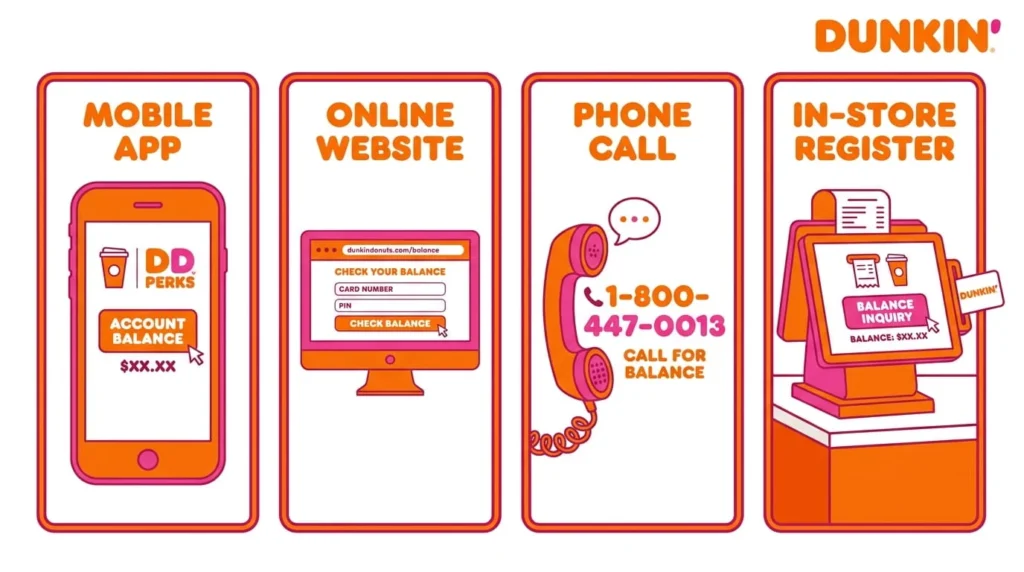
There are four ways to do it. The fastest is online. The smartest is the app. Here’s how each one works.
1. Online (Fastest — No Account Needed)
Go to dunkindonuts.com/en/dunkin-cards/check-balance. Enter the 16-digit card number on the back of your card, scratch off the silver panel to reveal the 4-digit PIN, then hit Submit. Your balance appears instantly. No login, no account — just the card number and PIN.
Pro tip: If you’re on a shared or public computer, don’t let the browser save your card details. Treat the card number like a password.
2. Dunkin’ App (Best for Regular Customers)
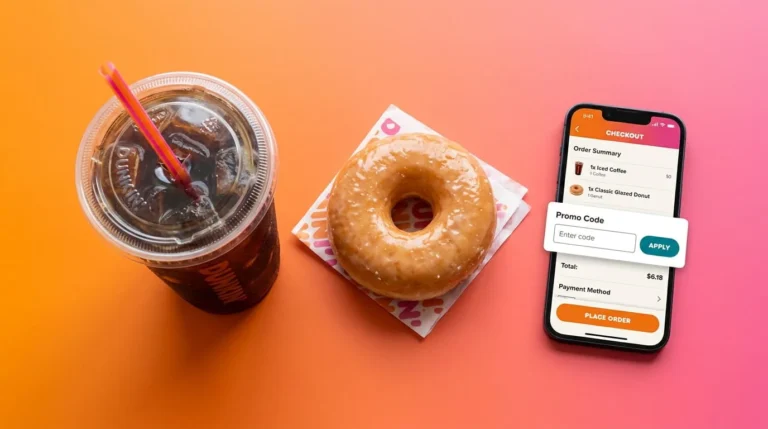
If you visit Dunkin’ more than once a week, the app is where you want to manage everything. Download it from the App Store or Google Play, sign into your Dunkin’ Rewards account, tap Account → Manage Payments → Add a Dunkin’ Card, and enter your card number and PIN. From that point on, your balance lives on your home screen and updates in real time after every purchase.
The app also handles reloads, auto-reloads, order-ahead, and Rewards points — all from one place.
3. By Phone
Call 1-800-447-0013 and follow the automated prompts. You’ll need your 16-digit card number and 4-digit PIN ready. The system reads your balance aloud. No hold time, no agent — the whole thing takes under two minutes.
4. In-Store
Hand your card to any Dunkin’ employee and ask for a balance check before you order. No purchase required. Works with both physical cards and digital eGift cards shown on your phone screen. The balance also prints at the bottom of every receipt — so after your next coffee run, just glance at the slip.
| Method | What You Need | Best For | Speed |
| Website | Card number + PIN | One-time checks | Instant |
| App | Dunkin’ Rewards account | Daily/frequent users | Instant |
| Phone | Card number + PIN | No internet access | ~2 minutes |
| In-Store | Physical card or phone | Right before ordering | Variable |
| Receipt | Nothing extra | Passive tracking | Immediate |
Reloading Your Dunkin’ Gift Card
A Dunkin’ card is reloadable — you’re never stuck once the balance hits zero. You can add funds manually or let the app do it automatically.
Manual Reload
In the app: tap Manage Payments, select your card, and choose Add Funds. You can pay with a linked credit card, debit card, Apple Pay, or Google Pay. At the register, you can reload using cash or any payment card. Online, the Dunkin’ website has a dedicated reload page under the Dunkin’ Cards section.
Auto-Reload — Set It and Forget It
Auto-reload keeps your card funded without you thinking about it. There are two modes:
- By Schedule: Reload a fixed amount (e.g., $25) on a specific day of the week or month. Good for budgeting.
- By Balance: Reload when your balance drops below a threshold you set (e.g., ‘Add $20 when balance falls below $5’).
Important: ‘By Balance’ reloads process the day after your balance triggers. If your card hits $0 during a morning run, the reload may not post until the next day. Always keep a backup payment method in the app.
Merging Multiple Dunkin’ Gift Cards
Have a drawer full of gift cards with leftover balances? The Dunkin’ app lets you consolidate them all into one card in about 60 seconds. Here’s how:
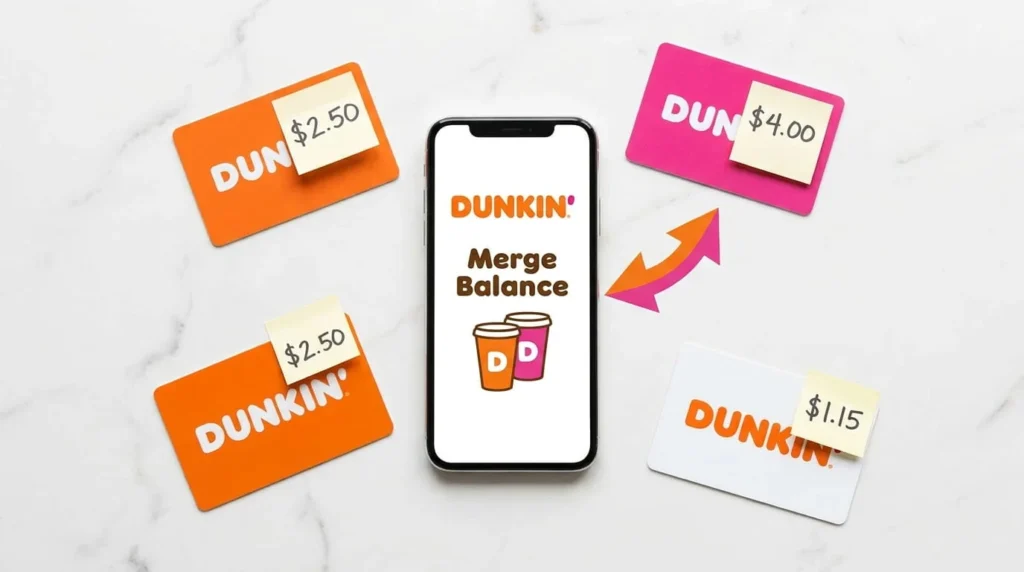
- Add all your cards to the app under Manage Payments.
- Select one of the secondary cards (the one you want to empty).
- Tap ‘Merge Balance to Primary.’
- Confirm the transfer. The empty card is removed from your account.
Repeat for each secondary card. The result: one primary card with the combined balance of everything you had.
Dunkin’ Rewards: Making Your Card Work Harder
Checking your balance tells you what you have. Linking your card to Dunkin’ Rewards tells you what you’re earning. When your gift card is tied to a Rewards account, every dollar you spend builds toward free food and drinks.
How Points Work
- Standard rate: 10 points per $1 spent with your linked gift card.
- Boosted Status: Visit 12+ times in a single calendar month and you earn 12 points per $1 for the following 3 months.
- Redemption starts at 150 points — enough for a free medium drink.
| Gift Card Balance | Rewards Points | |
| What it is | Prepaid cash (USD) | Loyalty currency |
| Expiration | Never expires | 12 months from earned date |
| Use it for | Any item at any Dunkin’ | Redeem for specific free items |
| Transferable? | Yes — merge between cards | No — tied to your account |
| Shows up in | App, website, receipt | App and Rewards dashboard |
Troubleshooting Common Dunkin’ Card Problems
Scratched-Off PIN You Can’t Read
Used a coin too hard and took the numbers with it? If the card is already registered in your app, the PIN doesn’t matter — the app handles authentication. If it’s an unregistered physical card, call 1-800-447-0013. With a valid receipt showing the card purchase, customer service can often verify the card history or transfer the balance.
Lost or Stolen Card
Registered card: Log into your Dunkin’ account immediately and either freeze the card or transfer the balance to a new one. Your money is safe as long as no one spent it before you acted.
Unregistered card: An unregistered card is treated like cash. If it’s gone, the balance is almost certainly gone too. This is the single biggest reason to register every card the moment you receive it — takes 30 seconds and protects everything on it.
Balance Isn’t Updating
After a reload or a purchase, the app or website occasionally shows a stale number. On the website, look for the refresh button (pink arrows icon). In the app, pull down on the screen to trigger a manual refresh. If the balance still looks wrong after 24 hours, call customer service.
Can’t Delete a Card from the App
The app only allows deletion when the card balance is exactly $0.00. Even one cent left on the card locks it in place. Solution: merge that balance to your primary card first, then delete the now-empty card.
Where to Buy Dunkin’ Gift Cards
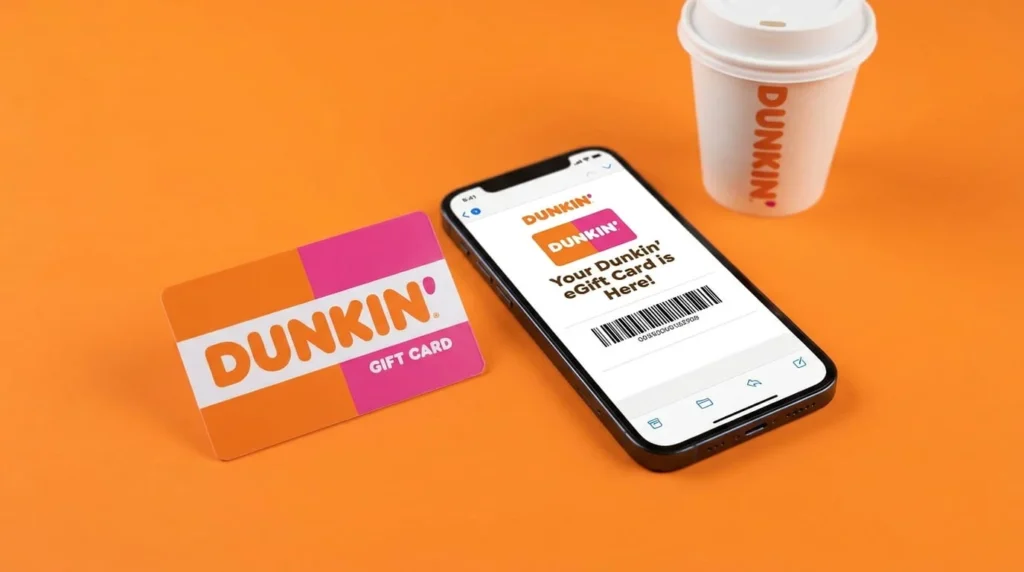
Physical Dunkin’ cards are available at the register of any Dunkin’ location, and at major retailers including Walmart, Target, CVS, Walgreens, and BJ’s Wholesale Club. Digital eGift cards can be sent instantly via the Dunkin’ app, the dunkindonuts.com website, Amazon, and third-party platforms like eGifter.
For corporate or bulk purchases — employee incentives, client gifts, team events — Dunkin’s parent company Inspire Brands handles large orders directly, often with customization options. Third-party B2B platforms like Toasty also make it easy to send digital cards to remote employees without the logistics of mailing physical cards.
Resale sites: Proceed with caution. Discounted gift cards on secondary markets are a common fraud vector. Stick to Dunkin’ directly or authorized major retailers.
Frequently Asked Questions
Do Dunkin’ gift cards expire?
No. The cash balance on a Dunkin’ gift card never expires — funds stay on the card until spent. Rewards points are different: those expire 12 months from the date they were earned, regardless of account activity.
Does Dunkin’ charge inactivity fees?
No. Dunkin’ does not charge service fees or dormancy fees. A card sitting in a drawer for two years will still have the full original balance.
Can I use a Dunkin’ card at Baskin-Robbins?
Yes. Dunkin’ and Baskin-Robbins share the same parent company (Inspire Brands), so Dunkin’ cards work at participating Baskin-Robbins locations, and vice versa.
Can I get cash back on a low balance?
Generally no — Dunkin’ cards can’t be redeemed for cash. However, several states (California, Massachusetts, Colorado, and others) require retailers to cash out gift cards with very low balances, typically under $5 or $10. Check your state’s specific gift card laws.
Can I use my Dunkin’ card internationally?
No. Cards purchased in the U.S. are valid only at participating U.S. Dunkin’ locations. Currency conversion differences make cross-border use unavailable.
Do I earn Rewards points on delivery orders?
Not through third-party apps. Paying via DoorDash, Uber Eats, or Grubhub doesn’t count toward Dunkin’ Rewards. To earn points on delivery, order directly through the Dunkin’ app where the delivery option is available.
What’s the maximum balance I can load onto a Dunkin’ card?
The standard maximum balance for a single Dunkin’ card is $100. Amounts between $2 and $100 can be loaded at purchase or reload.
The Bottom Line
A Dunkin’ gift card is more useful than most people realize — but only if you’re managing it actively. Register it in the app the moment you get it. That single step protects your balance if the card is ever lost, unlocks Rewards points on every purchase, and gives you real-time visibility into what’s left. Whether you’re consolidating five holiday cards into one or setting up auto-reload so your morning run never gets interrupted, the tools are there. Use them.